Debian 安装时启用网络镜像后下载软件包过慢的解决办法
• 2026-02-19 • 类别: 操作系统 & 服务器 • 阅读量:699
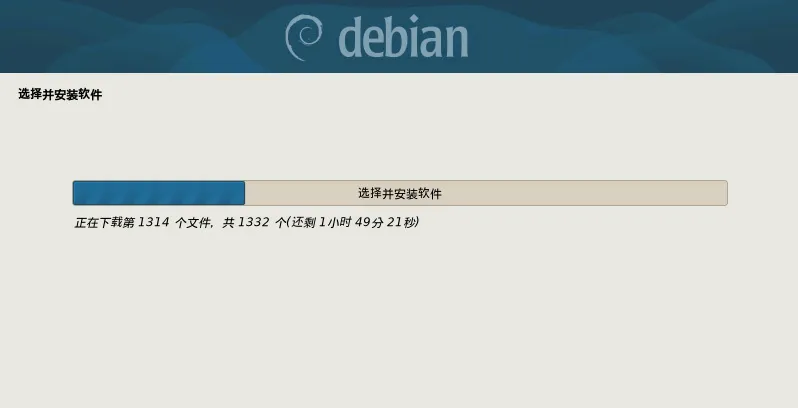
在安装 Debian 时,如果使用了网络镜像,虽然选择的是国内镜像,那么在 Debian 的安装过程进行到安装软件包时,下载软件包会非常的慢。
原因分析
按 Ctrl + Alt + F4 进入命令行查看软件包安装详情,会包含类似如下内容:
Feb 19 04:00:30 in-target: :1 http://security.debian.org/debian-security trixie-security/main amd64 linux-image-6.12.73+deb13-amd64 amd64 6.12.73-1 [108 MB]
可以看出安全更新软件包需要从国外的 https://security.debian.org/debian-security 镜像源下载,因此下载的非常慢。
在设置的国内镜像源后,只修改了部分软件源使用国内镜像:
- 只配置了
/debian目录下的内容使用国内镜像源 - 未配置
/debian-security目录下的内容使用国内镜像源,即security源还是使用的https://security.debian.org/debian-security镜像源。
Tip
按 Ctrl + Alt + F5 返回图形安装界面
解决方法
要解决 Debian 安装时从 Security 镜像下载软件包过慢的问题也非常的简单,只需把 Security 镜像源设置为国内镜像即可。
要设置 Security 镜像源的国内镜像,需要在开始安装时需要修改启动参数,后面附加如下内容:
apt-setup/security_host=mirrors.tencent.com apt-setup/security_path=/debian-security
Tip
国内镜像源 mirrors.tencent.com 可以修改为任意一个国内的镜像源。 只需要添加域名即可
具体的设置方式依据启动为 BIOS 与 UEFI 略有不同。
BIOS 启动方式设置 Security 镜像源
按照如下的方式设置:
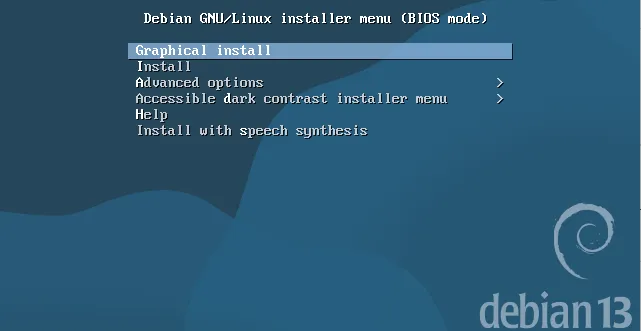
- 在启动项选择界面按上下键,选中
Graphical intall - 按
Ctrl + i键,进入修改启动参数界面 - 在启动参数的后面附加
apt-setup/security_host=mirrors.tencent.com apt-setup/security_path=/debian-security内容 - 按
Enter键,开始安装 Debian
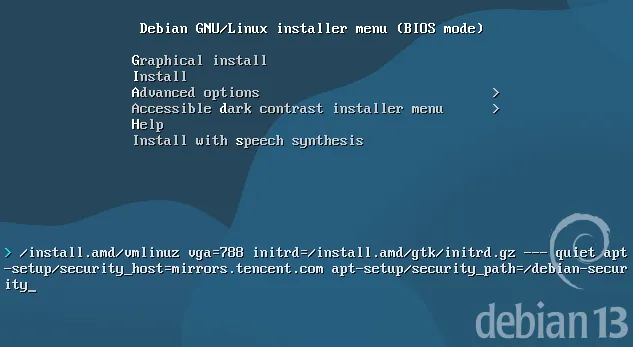
UEFI 启动方式设置 Security 镜像源
按照如下的方式设置:
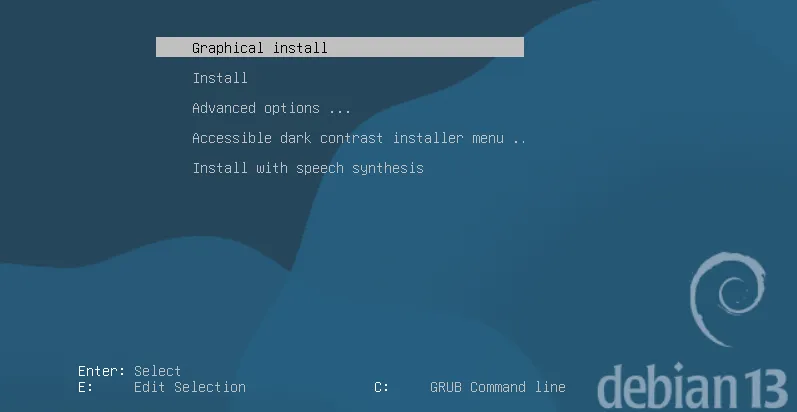
- 在启动项选择界面按上下键,选中
Graphical intall - 按
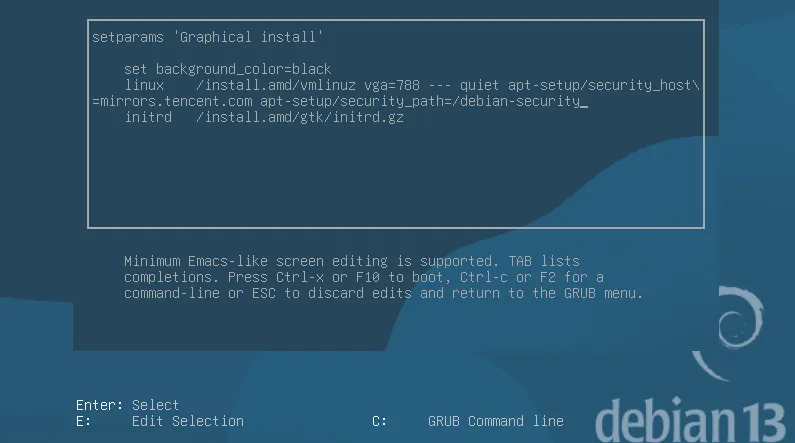
e键,进入修改启动参数界面 - 使用方向键移动光标的位置
- 在
linux /install.amd/vmlinuz vga=788 --- quiet的后面附加apt-setup/security_host=mirrors.tencent.com apt-setup/security_path=/debian-security内容 - 按
Ctrl + x或F10键,开始安装 Debian